

Switching from the old version to the new kushk
What you'll learn
- Steps to switch from the old version to the new version
Steps of transition
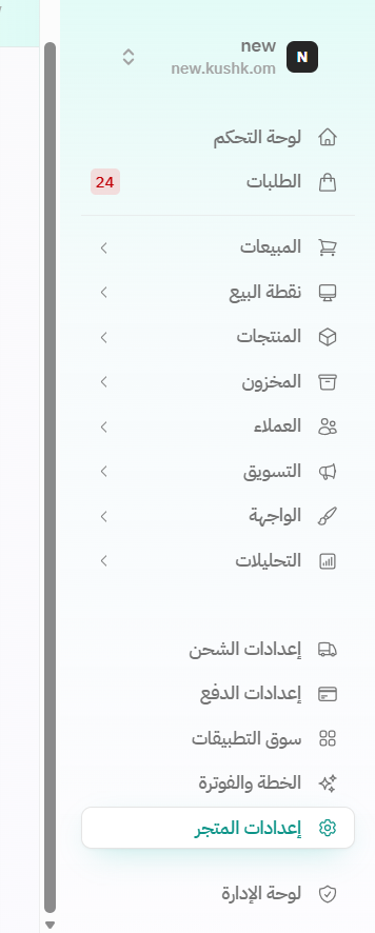
1.First, click on Store Settings from the side control panel
2.Click on the Transfers option
3. Import options will appear; select the old kushk
4.Click on Start Migration
5. Fill in the required information.
6.Click on "Test Connection" first.
7.Then click on Start Migration
Was this article helpful?